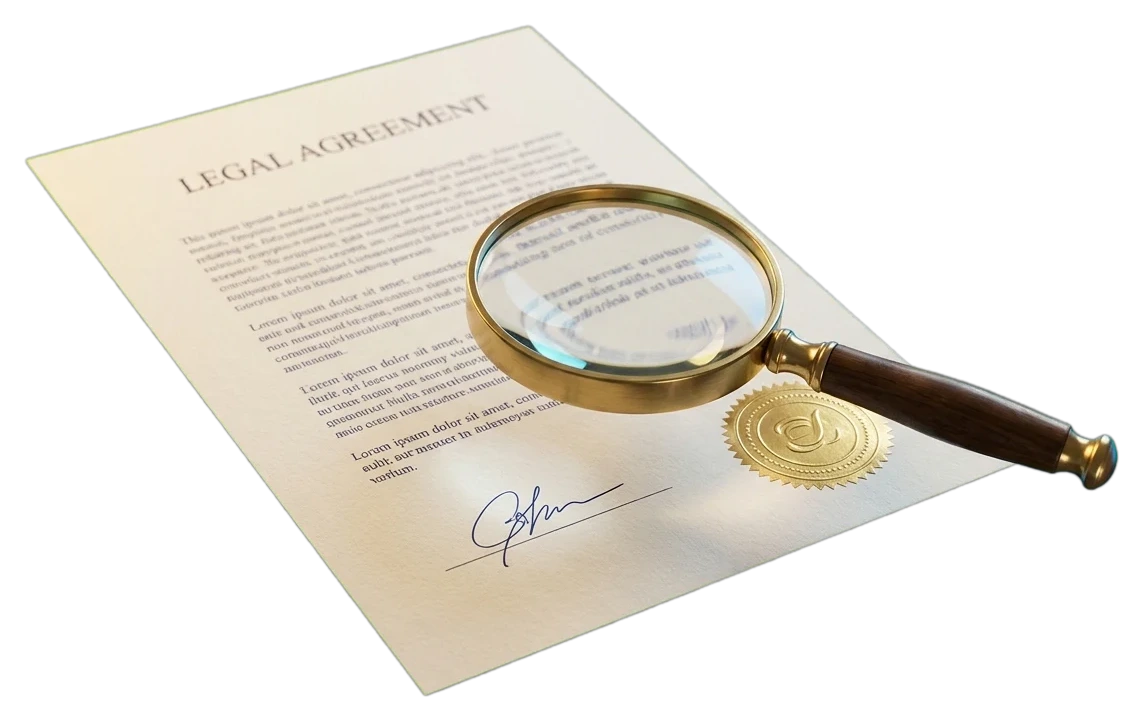
Drop the PDF or type the agreement ID. We’ll tell you if it matches a signed copy issued by agreement.lk.
Your file never leaves your device. Your browser works out its SHA-256 fingerprint, and only that is sent to us.
How it works
A fingerprint for every signed copy
Frozen when sent
When an agreement is sent, the document is frozen and its SHA-256 fingerprint recorded, so nobody can change it while people sign.
A certificate page
The signed PDF ends with a certificate: who signed, when, how they were reached, and the fingerprints. The agreement ID is on every page.
Need it on paper?
An Attorney-at-Law can certify a printed copy as a true copy of the signed record. Attorney-certified copies
Questions
About verifying
Is my file uploaded?
No. Your browser reads the file and works out its SHA-256 fingerprint, a 64-character code that changes completely if even one character of the file changes. Only that code is sent to us, and we compare it with the fingerprint we recorded when the agreement was completed.
Why doesn’t my copy match?
Only the exact PDF we issued matches. Printing to PDF, re-saving, compressing, adding a stamp or signing it again in another app all make a new file with a different fingerprint. Ask the sender for the copy we emailed, or type the agreement ID instead to see the details we hold.
What does the agreement ID show?
The title, when it was completed, the number of pages and the names of the people who signed. Never the document itself. Compare them with the copy in front of you.
Does a match mean the agreement is legally valid?
A match shows the file is the record that was signed through agreement.lk and hasn’t changed since. Whether the agreement itself is valid depends on its terms and on the law: some agreements, such as land sales and leases for more than a month, also need a notary. See what can be signed electronically.